
AtlasX Desktop App · v2.4.0
Download AtlasX Desktop App.
The AtlasX Desktop App bundles our Stealth Browser Engine, automatic HTTP/SOCKS5 proxy bridge, Cloud Cookie Vault sync, and 1-click Browser SSO authentication.


AtlasX Desktop App Architecture
v2.4.0 Stable
01
1-Click Browser SSO Authentication
02
Isolated Hardware Profile Injection
03
Seamless OTA Updates & Cookie Vault
01
01
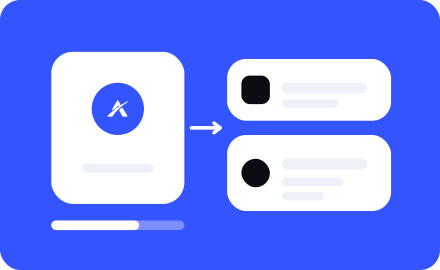
Install AtlasX Desktop
Run the installer (AtlasX-Setup.exe). Both the Workspace and the Stealth Browser Engine are configured automatically.
02
02
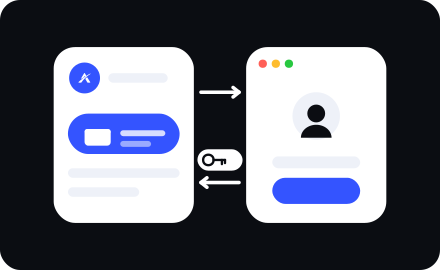
Sign In via Browser
Click Sign in with Browser inside the app. Your default web browser opens, verifies your account, and hands off your encrypted session token back to the desktop app.

03
03
Create & Launch Profiles
Pick any of the 87+ iOS or Android devices, attach your HTTP/SOCKS5 proxy, and click Launch to open an isolated browser container.